Introducing article edit history
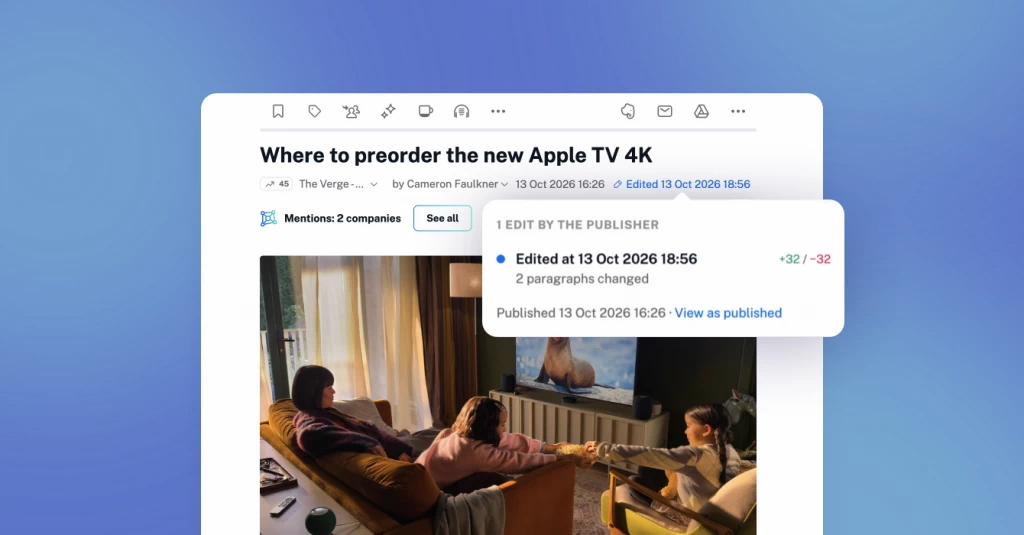
Articles don’t always stay the same after publication. A headline may be revised, a figure corrected, or new details added as a story develops. When you return to an article, it can be hard to tell what’s different.
With Inoreader’s new article edit history, you can see what changed in an article’s title and content, review previous versions, and revisit the original text, all without leaving your reader.
There’s nothing to set up. Inoreader automatically saves revisions as it receives updates from the source, making them available right in the article.
How to view an article’s edit history
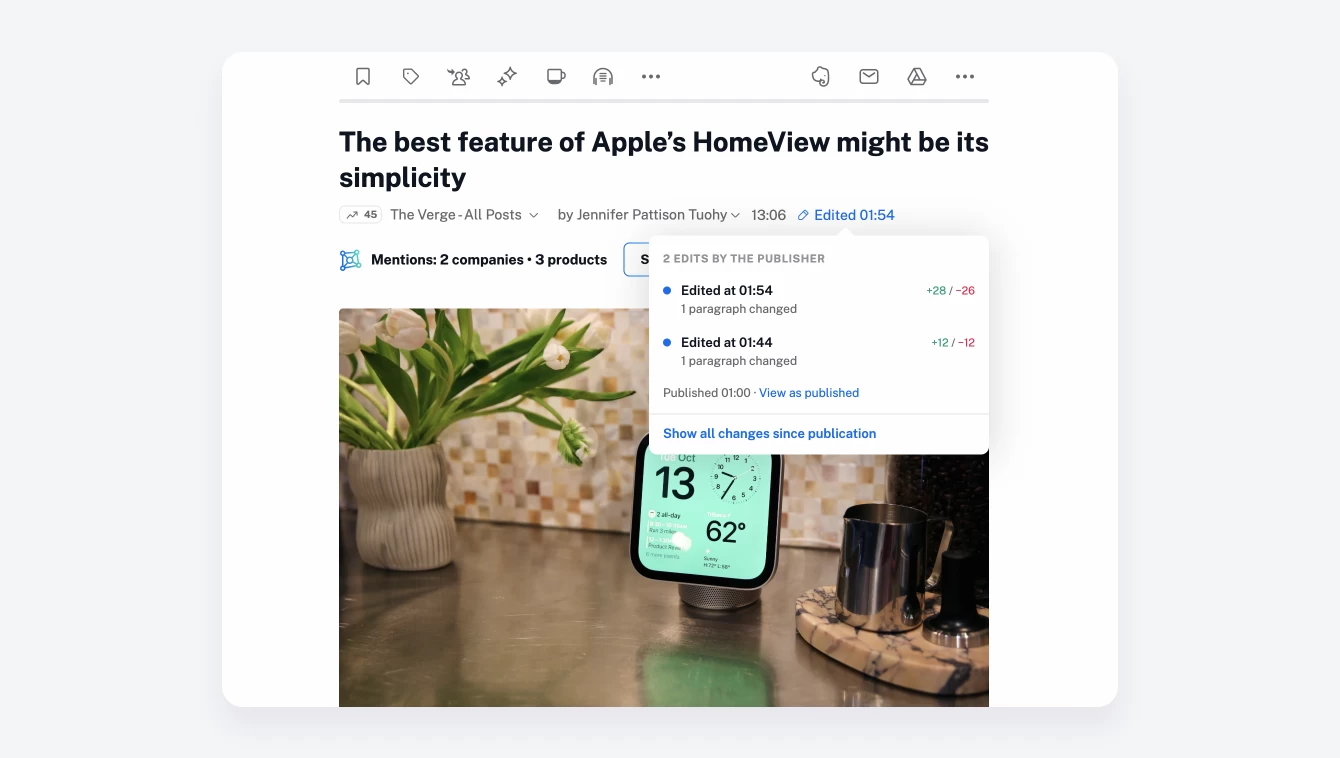
Open an edited article in Inoreader on the web and click the Edited indicator next to its publication details.
A pop-up shows how many edits have been recorded and when they were made. If the article has been edited more than once, you’ll see a list of revisions to choose from.
Click an edit to open that version of the article. Added text is highlighted in green and removed text in red, making it easy to spot changes to both the title and content.
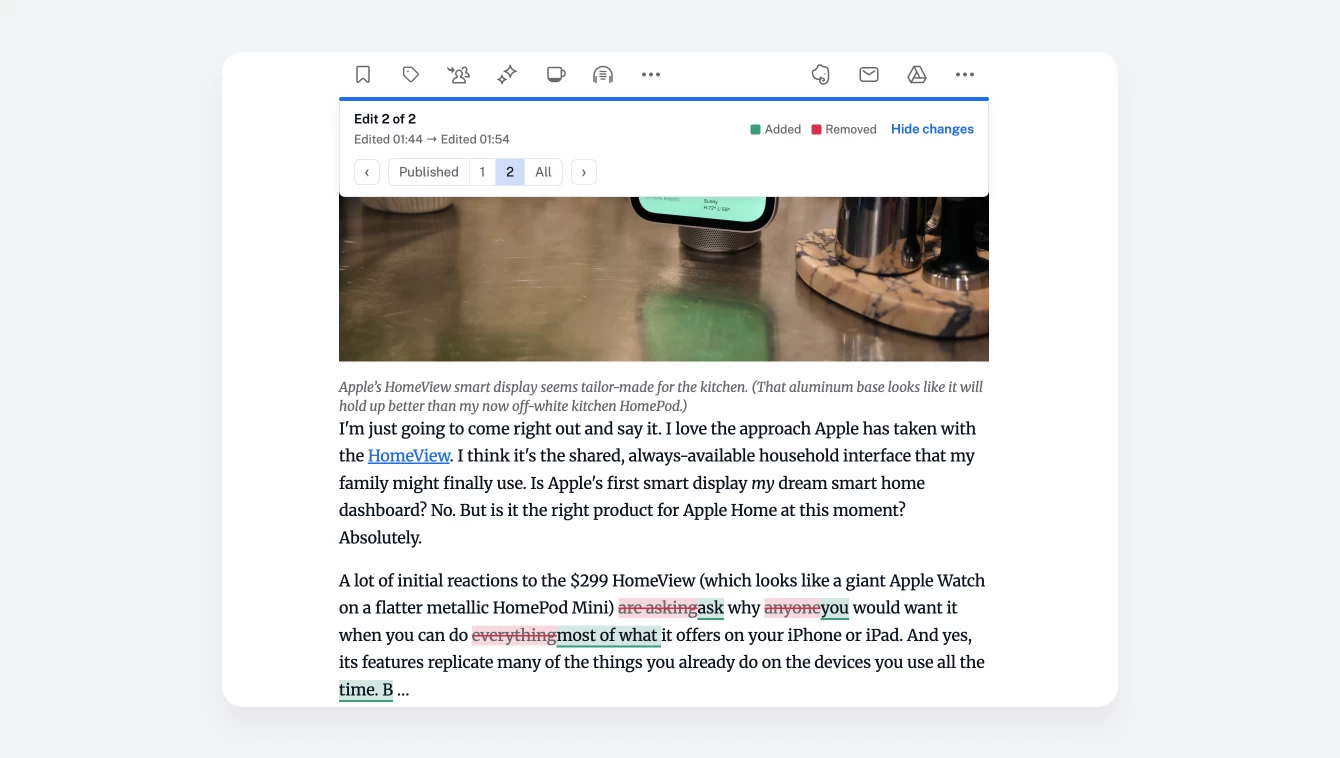
Use the version selector to move between edits, or choose Published to view the article as originally published.
When a second look matters
Article edit history gives you more context for what you read. Here are a few ways to use it:
- Follow developing stories: See which details were added to a news report since you first read it, without rereading the entire article.
- Spot corrections and revisions: Check whether a publisher changed a headline, corrected a figure, or updated a quote.
- Keep your research accurate: Revisit an article you’ve used in a report or analysis and check whether the information you relied on has changed.
- Review updated announcements: Look for revisions to dates, pricing, product details, or other information that affects your work.
A revised headline or a corrected figure can change your understanding of a story. Article edit history lets you look beyond the latest text and see how it evolved.
Available now on the web
Unlimited access is now available on the web for Pro, Custom, and Team users. Upgrade to see what changed in the articles you follow and make sure your research, reporting, and decisions reflect the latest information.