Register your application
In order to use our API, you need to have a registered application.
To do so, open the Developer API section of your Inoreader preferences and click the New application button. Accounts without API access see an Upgrade to Pro button there instead, and Team members see who owns the Team's application.
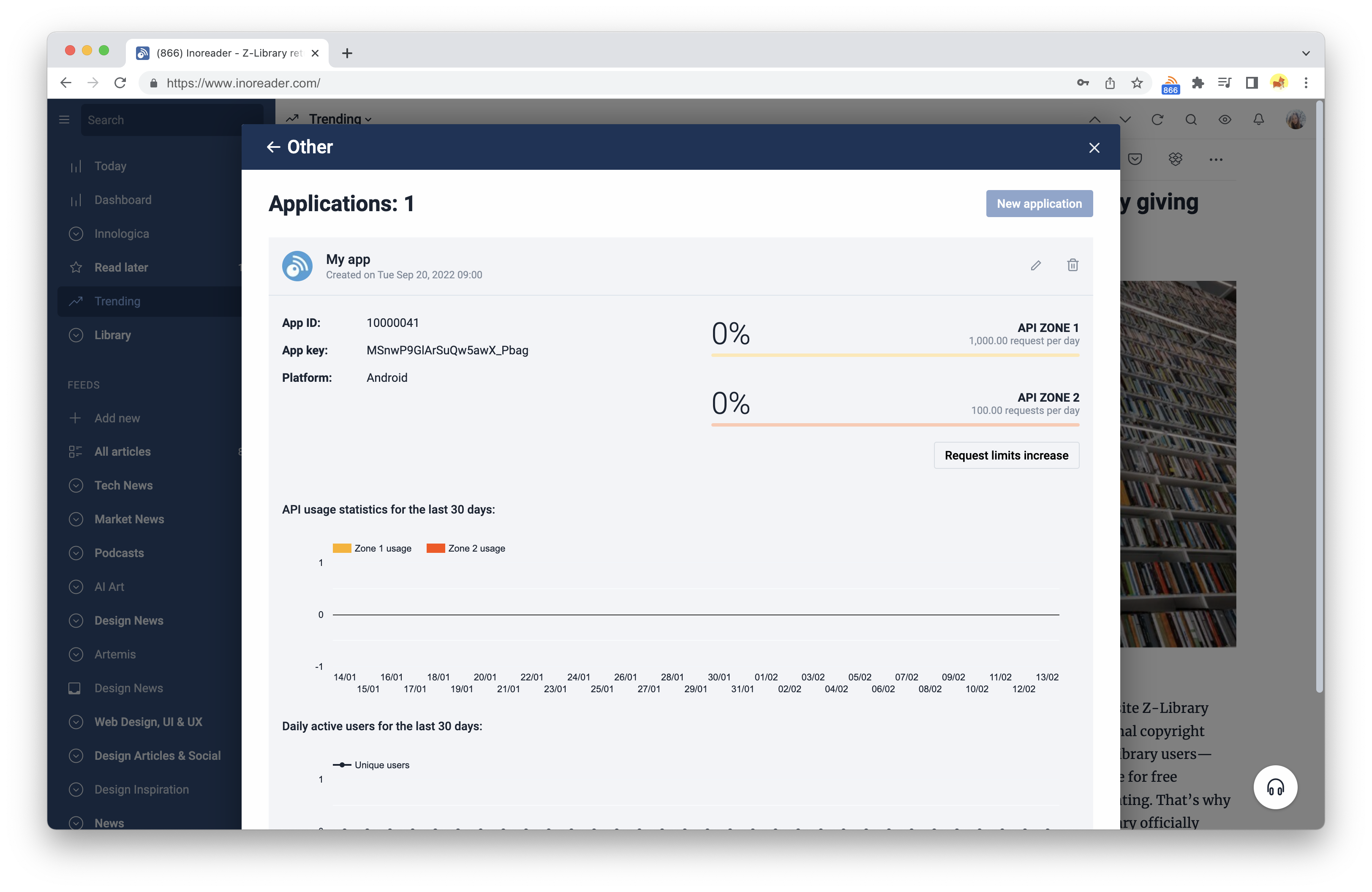
When you register your app, you will receive the following:
App ID- This is your unique application ID. You will need to send this along with every API request in order to authenticate your app. See Application authentication for details.App key- This is your application key. You need to send this together with theApp IDwith every API request. See Application authentication for details.API Zone 1- The daily limit for zone 1 requests, shown under the name, with today's usage as a percentage above a bar. See Rate limiting for details.API Zone 2- The daily limit for zone 2 requests, shown under the name, with today's usage as a percentage above a bar. See Rate limiting for details.
When you start calling the API, you will see some nice usage statistics, spanning for a period of 30 days:
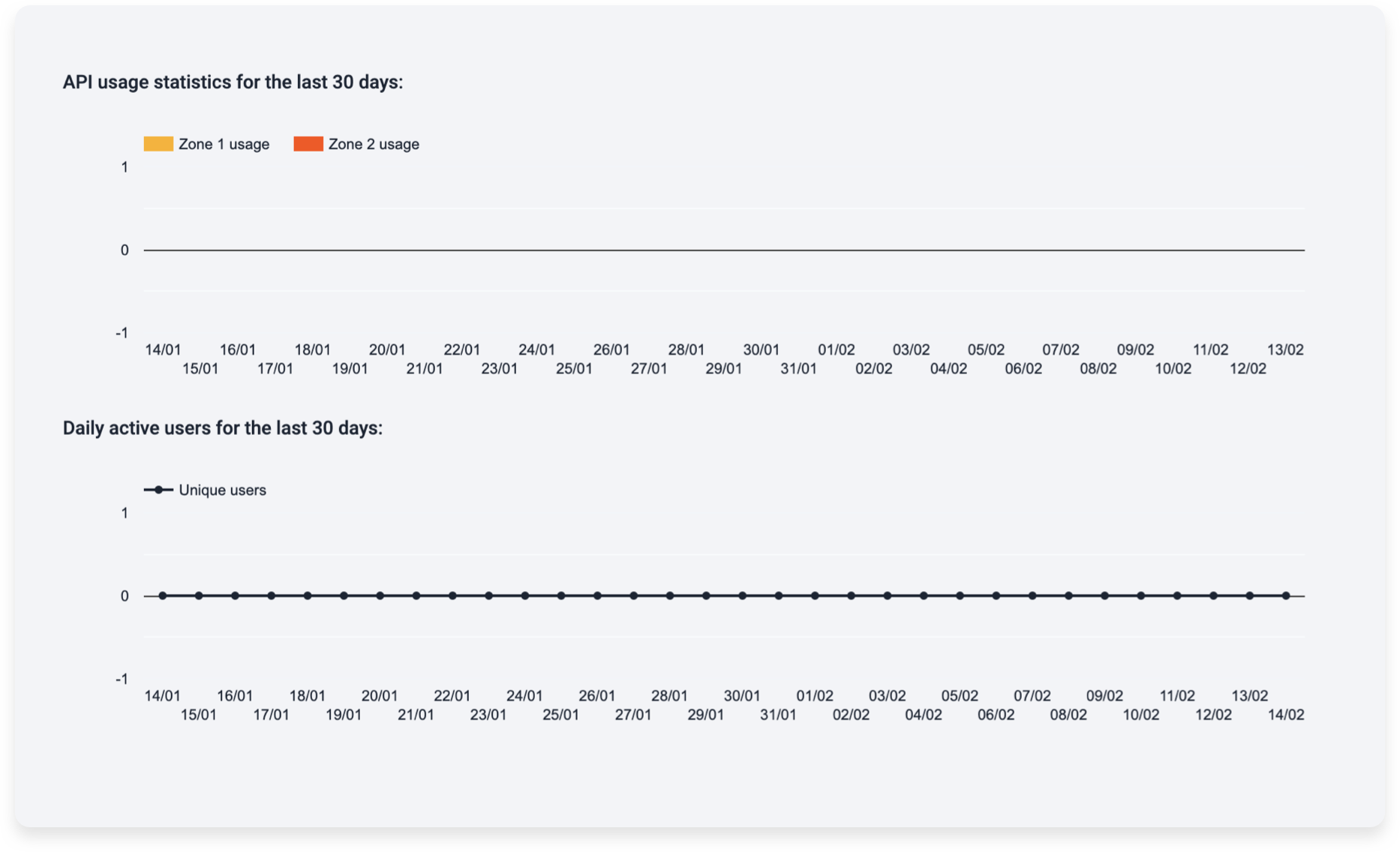
You can edit or delete your app, and once it has more than 10 users, you can also request an increase of the default limits with Request limits increase. You will be prompted to enter your Inoreader password if you want to delete an app.