How often are feeds refreshed by default?
Inoreader sets each feed's refresh schedule itself, from how many articles the feed published in the last 30 days and who follows it. You can't set it by hand: busy feeds are checked as often as every 30 minutes, and feeds that publish a few times a month every few hours, up to about eight.
The schedule is set the moment a feed is added and recalculated as the feed's activity changes. A feed that at least one Pro or Team user follows, and that published in the last 30 days, is checked at least once an hour.
Quiet feeds and real-time feeds
A feed with no new article for 30 days is checked once a day, and after a year without articles once a week. As soon as it publishes again, its schedule speeds up. Feeds followed only by Free accounts that haven't signed in for two weeks are paused until one of them signs in again.
When a feed's publisher supports WebSub, new articles are pushed to Inoreader as they're published, and the feed shows Real-time as its update interval.
Boost a feed
With Pro, you can boost up to 100 feeds. A boosted feed is checked every 10 minutes while it keeps publishing, and hourly when it has had no article in the last 30 days. A boost benefits everyone who follows the feed, and how to boost a feed has the steps.
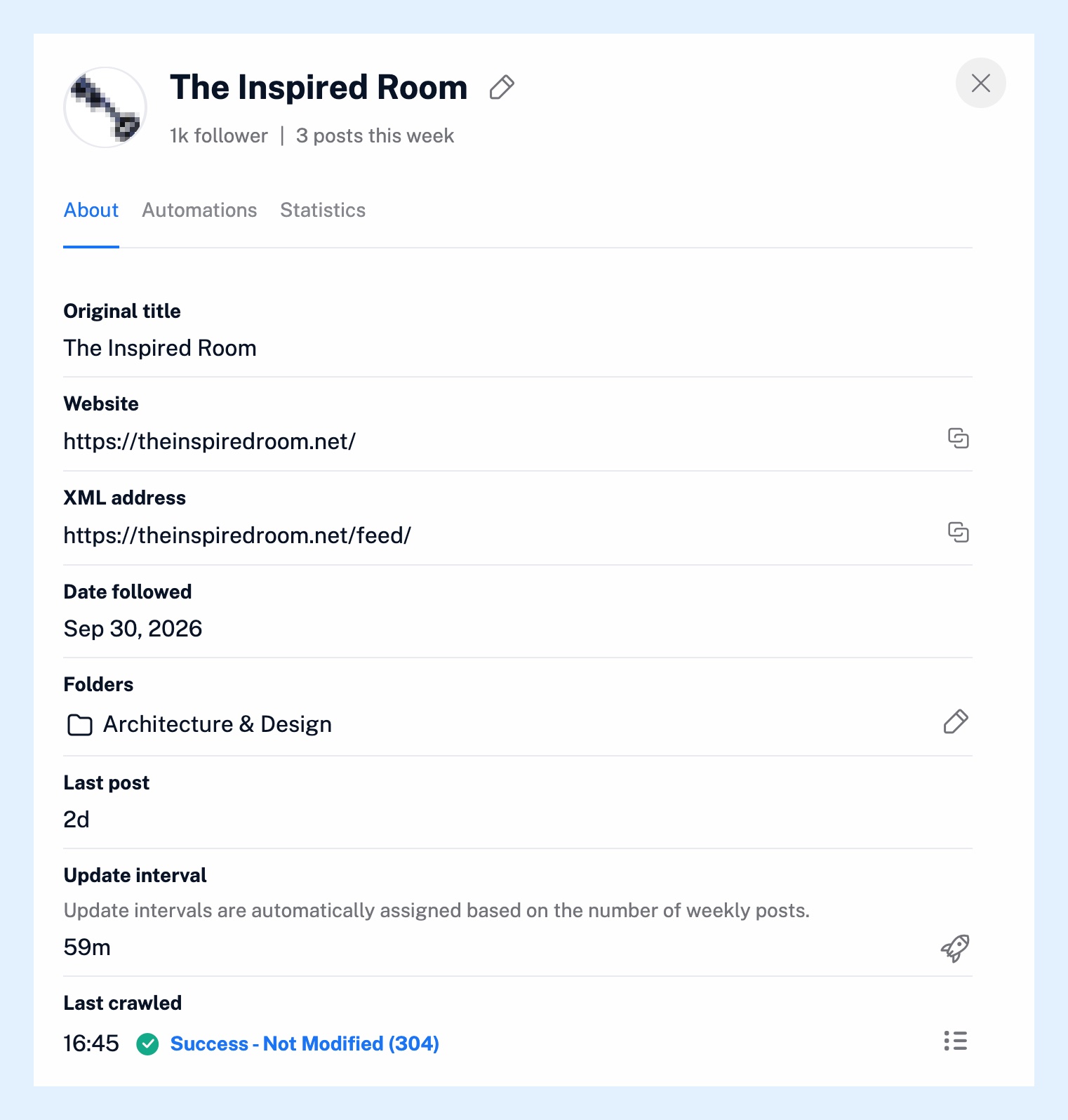
See a feed's schedule
- Right-click the feed in the sidebar and choose Feed properties.
- Read Last post and Update interval, for example 60m, More than 6 hours or Real-time, with the boost button next to it.
- Check Last crawled for the time and result of the last check. The list icon next to it opens the feed's log.
Refresh a feed now
Press R or click Refresh list at the top of the article list to check the open feed or folder right away. A folder refresh checks up to 50 feeds at once, and feeds you refreshed in the last few minutes aren't checked again yet. If a feed reports an error instead of new articles, see why a feed has stopped updating.
Can't find an answer? Contact support