What happens if a keyword exists in both personal and Team spotlights?
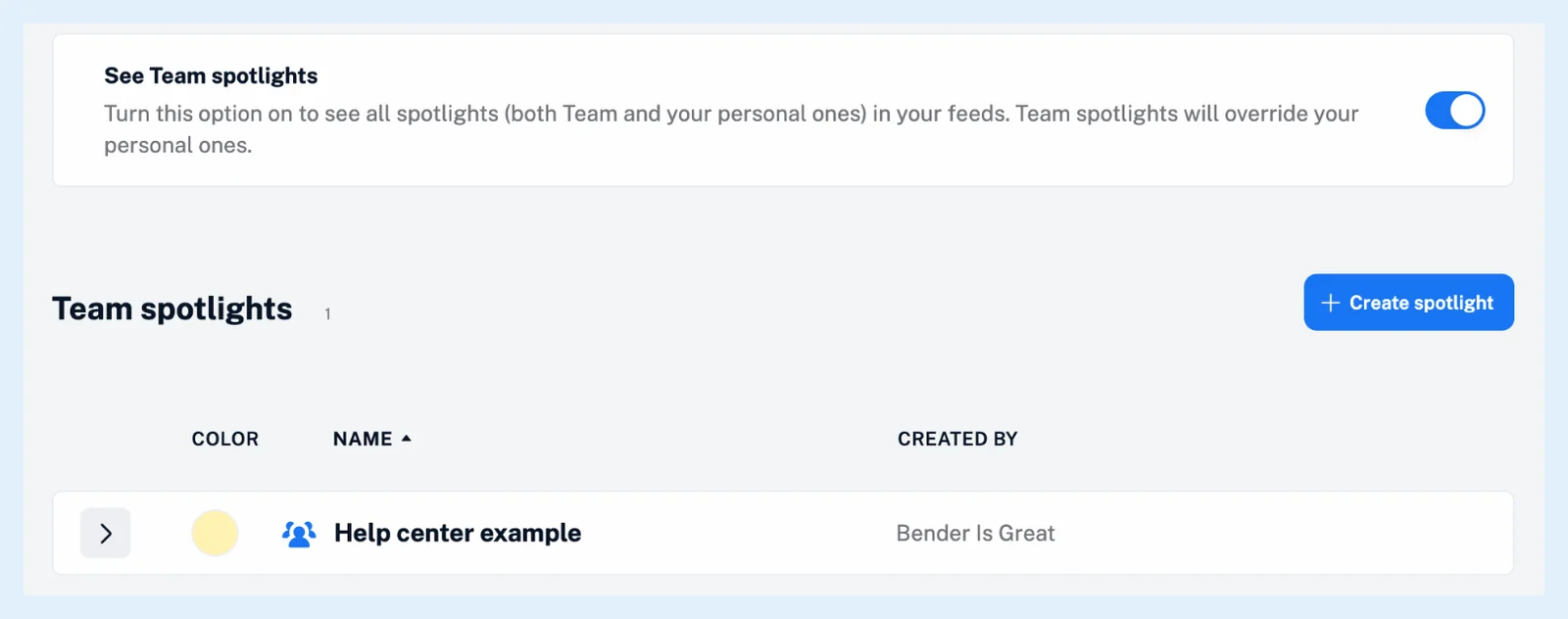
With See Team spotlights on, the Team spotlight wins: the word is shown in the Team spotlight's color, and your personal spotlight keeps working for all its other terms. With the switch off, only your personal spotlights are used, so the word keeps your color.
How the colors are applied
With the switch on, your personal spotlights are loaded first and the Team's after them, and each term is colored in that order. For the same word the Team color is applied over your own, which is what the notice on the Team spotlights page means by "Team spotlights will override your personal ones." Only the overlapping word changes. Your personal spotlight still colors its other terms, and nothing is deleted or merged.
Matching follows the same rules for both kinds: a term matches regardless of case unless Case sensitive is ticked, and a one-word term matches whole words only.
Keep your own color for a word
To avoid the overlap, remove the word from your personal spotlight. To keep your own color, turn See Team spotlights off, which turns off all Team spotlights at once, as Do Team spotlights apply automatically? explains.
Plans
Team spotlights come with the Team and Team Intelligence plans. What are Team spotlights? explains who shares them, What are spotlights? covers the feature itself, and the feature page Make the names you care about stand out has an overview.
Can't find an answer? Contact support