What file types can I upload?
PDF files up to 10 MB and 50 pages. Word (DOC, DOCX), RTF, Excel (XLS, XLSX) and Markdown (MD) files up to 5 MB each. Plain text (TXT) files up to 0.5 MB. Inoreader takes one file at a time, and the file's content must match its type.
Types and limits
- PDF: up to 10 MB and 50 pages.
- DOC and DOCX (Word): up to 5 MB.
- RTF: up to 5 MB.
- XLS and XLSX (Excel): up to 5 MB.
- MD (Markdown): up to 5 MB.
- TXT (plain text): up to 0.5 MB.
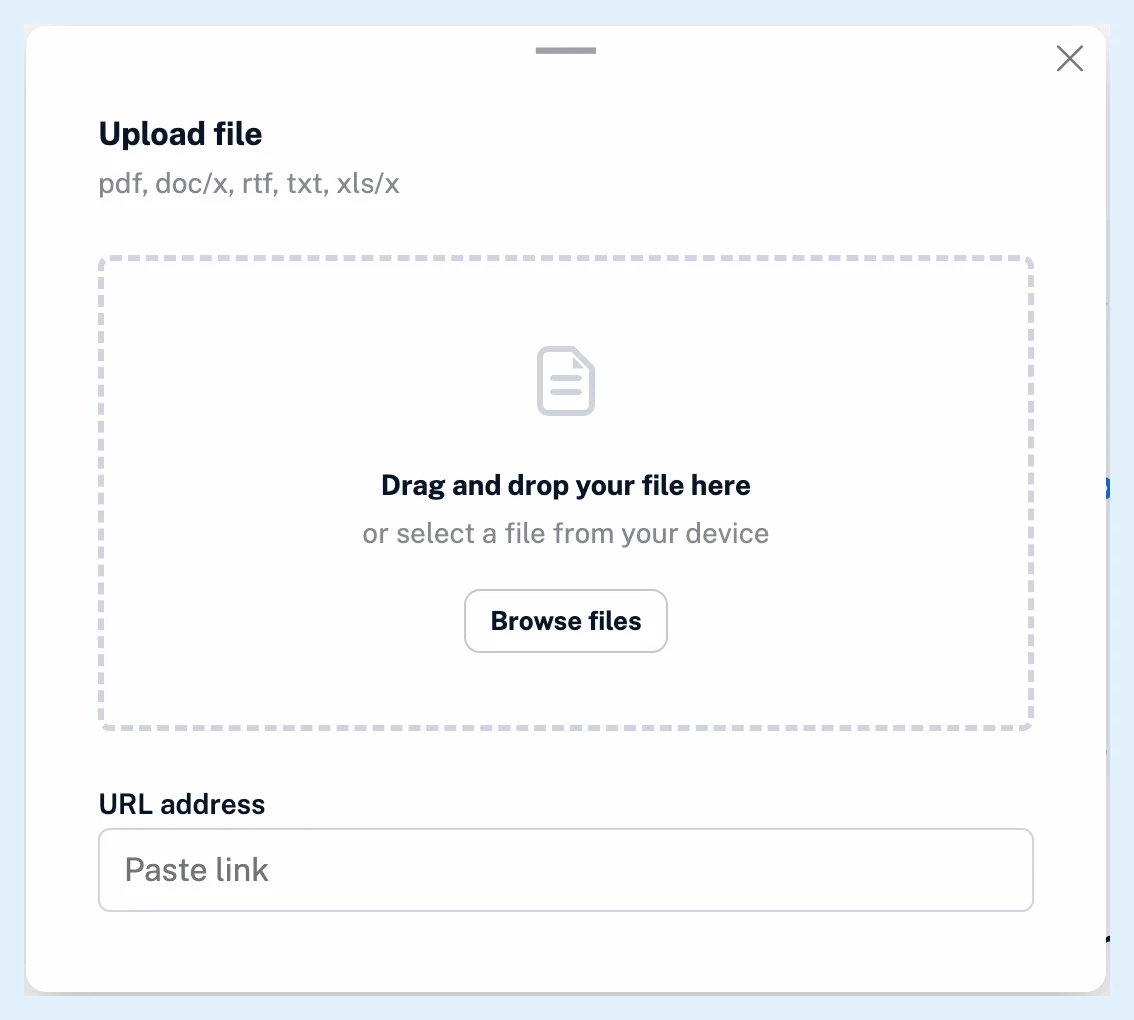
A file uploaded from a link may be at most 10 MB before download. After that, its type's own limit applies. The dialog's header lists the types as "pdf, doc/x, rtf, txt, xls/x".
Conversion per type
PDFs are read with text recognition (OCR), so scanned pages and text in images become text, and math formulas become pictures. Word, RTF, Excel and Markdown files are converted to formatted text with headings, lists and tables. Tables stay tables, and pictures inside the documents are kept. TXT files are shown as plain text with their line breaks kept. See what happens after you upload a file.
Refused files
A file of another type is refused at once with "File type not allowed", and a file over its limit with "This file exceeds the 10MB size limit", where the number is the type's own limit. A file whose content differs from its extension is refused with "File has an invalid file type.", and a PDF with more than 50 pages with "This file has more than 50 pages". A file with no readable text ends with "No text was found in this file.", and any other failure with "This file could not be converted." The steps are in how to upload a file to Inoreader.
Plans and limits
File uploads are a Pro feature. What file uploads are has the overview.
Can't find an answer? Contact support