How do I load the full article?
Open the article and click Load full content in its button row, or press W. Inoreader fetches the article from the publisher's page and shows the whole text in place, and a second click returns the feed's text.
Load the article
- Open an article that shows only a summary.
- Click Load full content in the article's button row, or press W.
- To return to the feed's text, click the button again.
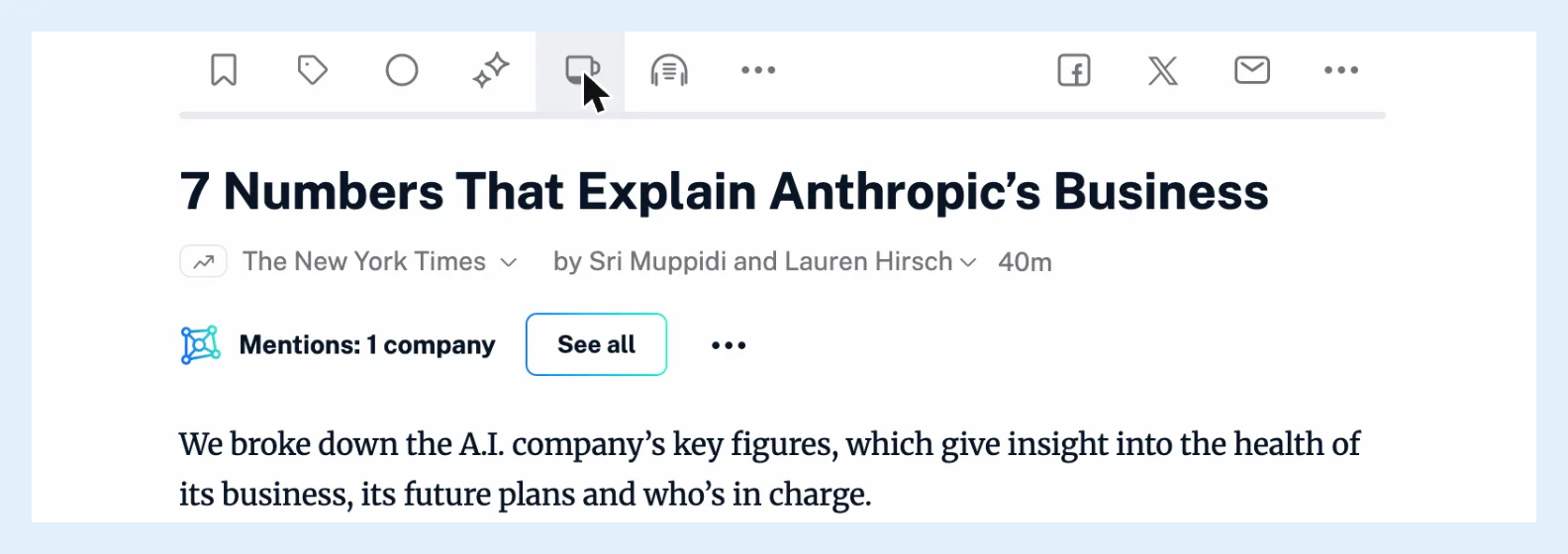
The button spins while the article loads and turns blue while the full text is shown.
Sources and limits
The button appears on articles from RSS and JSON feeds and from monitoring feeds. YouTube videos, newsletters, Web feeds, saved web pages and social posts show their content as it is. When a page can't be read, a dialog says Full content not available with a link to the site, and the feed's text stays. A publisher can also refuse full content for its site, and its articles then have no button. Why do I see only part of an article? covers feeds that send a summary.
Keep the full text
On Pro, Team and Custom plans the loaded text stays with the article as your own copy and shows whenever you open it again. Clicking the button again to go back to the feed's text removes that copy. If the publisher edits the article after you loaded it, a bar above the text says so and offers Show changes. On Free and Supporter, loading is free and the article shows the feed's text again the next time you open it.
Load the full content first, then translate: loading full content resets an active translation. How do I translate an article? explains translation.
Load full content in the mobile apps
In the Android app, pull the article down from the top, as the setting Pull down to load full content describes. The iOS app shows Pull down to load full content... at the top of an article.
Loading full content is free on every plan, and keeping it stored with the article is part of Pro, Team and Custom plans. Can a feed always load full content? names the features that fetch the full text on their own, and Read the whole article instead of the snippet gives the overview.
Can't find an answer? Contact support