Why do I see only part of an article?
Inoreader shows what the publisher puts in the feed, and many feeds carry only a summary and a link to the full article. Open the article and click Load full content, or press W: Inoreader fetches the article's page and shows the whole text in place.
Load the full content
- Open the article that shows only a summary.
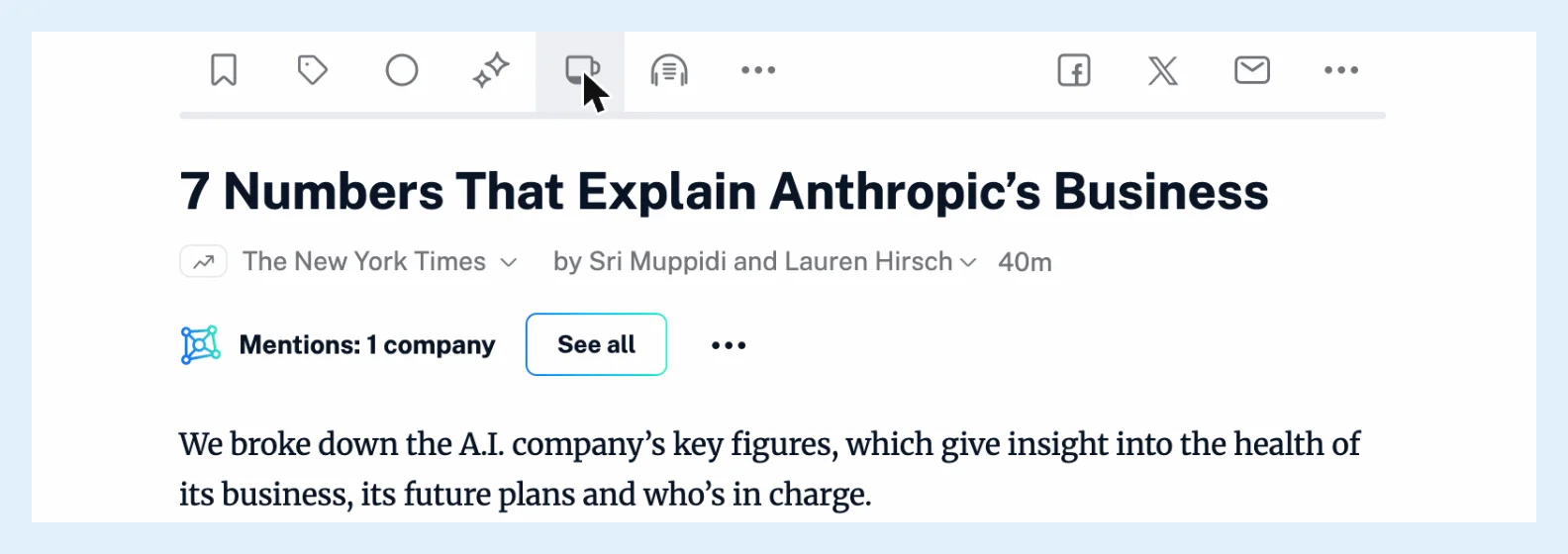
- Click Load full content in the article's button row, or press W. The whole article replaces the summary, and the icon turns blue while the full text is shown.
- To go back to the feed's text, click the button again.
Inoreader scrolls to the paragraph you were reading. Loading full content removes an active translation, so load the full text first and translate the article afterwards. Read the whole article instead of the snippet and the blog post How to take advantage of the full content view in Inoreader have more.
Articles without full content
The button appears on articles from RSS, JSON and monitoring feeds. YouTube videos, newsletters, web feeds and social feeds have none. When the page can't be read, the dialog Full content not available names publisher restrictions or a temporary issue as the cause and links to the article on the site. V also opens the article's page in a new tab. Some publishers ask Inoreader not to load their articles, and the button is then hidden for that site.
Keep the full text
Loading full content works on every plan, but on Free the loaded text isn't kept, so load it again the next time. With Pro, the loaded text is stored as your own version of the article and shown whenever you open it again, in every browser you sign in from. In the apps, see why you can't read an article offline.
Open the site instead
When a feed never carries more than a summary, Open original webpages in the More menu opens the site in place of the feed text. It works in the List, Card and Magazine views and is saved per feed. The default for every feed is under Preferences > Settings > Article listing > Open articles.
Other reasons a text looks short
In List view, Show titles only hides the descriptions until you open the article, and with Images off the pictures aren't loaded. Both are described in how to customize how articles are displayed.
Can't find an answer? Contact support