Why is my rule not triggering?
Start in Automate > Rules: check that the rule's switch is on and whether it shows matches today. A rule acts only on new articles that reach its trigger after it's switched on, every condition joined with And must match exactly as written, and some actions stop at daily limits or need a connected account.
Check the rule in the list
- In Automate > Rules, look at the rule's Status switch. A lock on it means your plan's rule limit is reached.
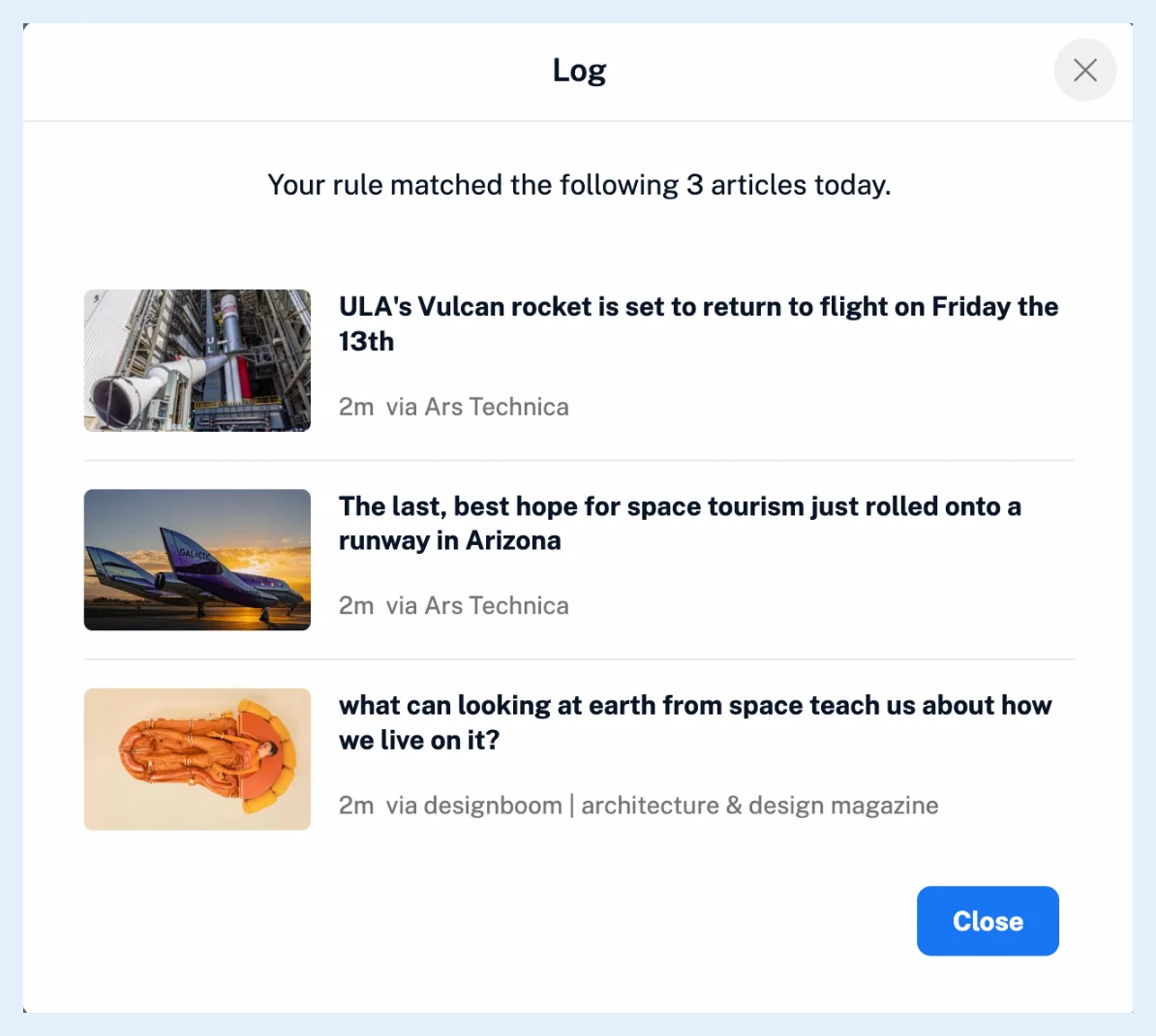
- Click the number under Matches today to open the rule's Log and see what the rule matched.
- If nothing matched, open the rule and check the trigger under When, each condition, And or Or, and Whole words only.
- If it matched but an action did nothing, look for "Limit reached" or Connect your [service] account on that action.
A rule that was switched off for you
A rule that matches more than 1,000 articles in an hour is switched off, and an email asks you to narrow its conditions and enable it again. Unfollowing the feed a rule watches, or deleting its folder or tag, switches it off too, and it stays off until you pick a new trigger. On Free, every rule is stopped, and rules beyond the plan's limit are stopped and locked.
A rule that matches nothing
Rules act on new articles only. Run rule applies one to the latest 1,000 articles and performs its actions. New article with tag fires only for tags you add yourself, never for a tag another rule assigned, and a rule's Save to Read later list action doesn't fire New article in Read later list. With And, every condition must match. Contains matches inside longer words unless Whole words only is on, while is, begins with and ends with need the exact text, letter case included. See What conditions can rules use? and What can trigger a rule?.
A rule that matches but does nothing
Translate article stops at 100 articles a day (1,000 on Team Intelligence) and Create summary when the month's Intelligence tokens are used up. The action then shows "Limit reached". Instapaper, Evernote, OneNote and Raindrop.io take 150 articles a day, Dropbox and Google Drive 500, and each needs its account connected. Push mobile notification needs the official Inoreader app signed in, and Show desktop alert the browser's notification permission. Rules are a Pro feature.
Can't find an answer? Contact support