Why can't I read an article offline?
The iOS and Android apps store only the articles of sections you made offline, and only what that section's Offline settings allow. An article that isn't on the phone, or opens without its pictures or full text, is almost always outside those settings.
Offline mode exists in the apps alone, and How do I make content available offline? shows how a section is made offline.
Check the section's settings
- While online, open the section's Offline settings from the offline icon at the top of the article list or from its menu.
- Turn on Download images and Download full content if you need the pictures and the full text, turn off Download only unread articles to keep articles you've already read, and raise Maximum articles if older articles are missing.
- If you're on mobile data, turn off Download only on WIFI or connect to Wi-Fi.
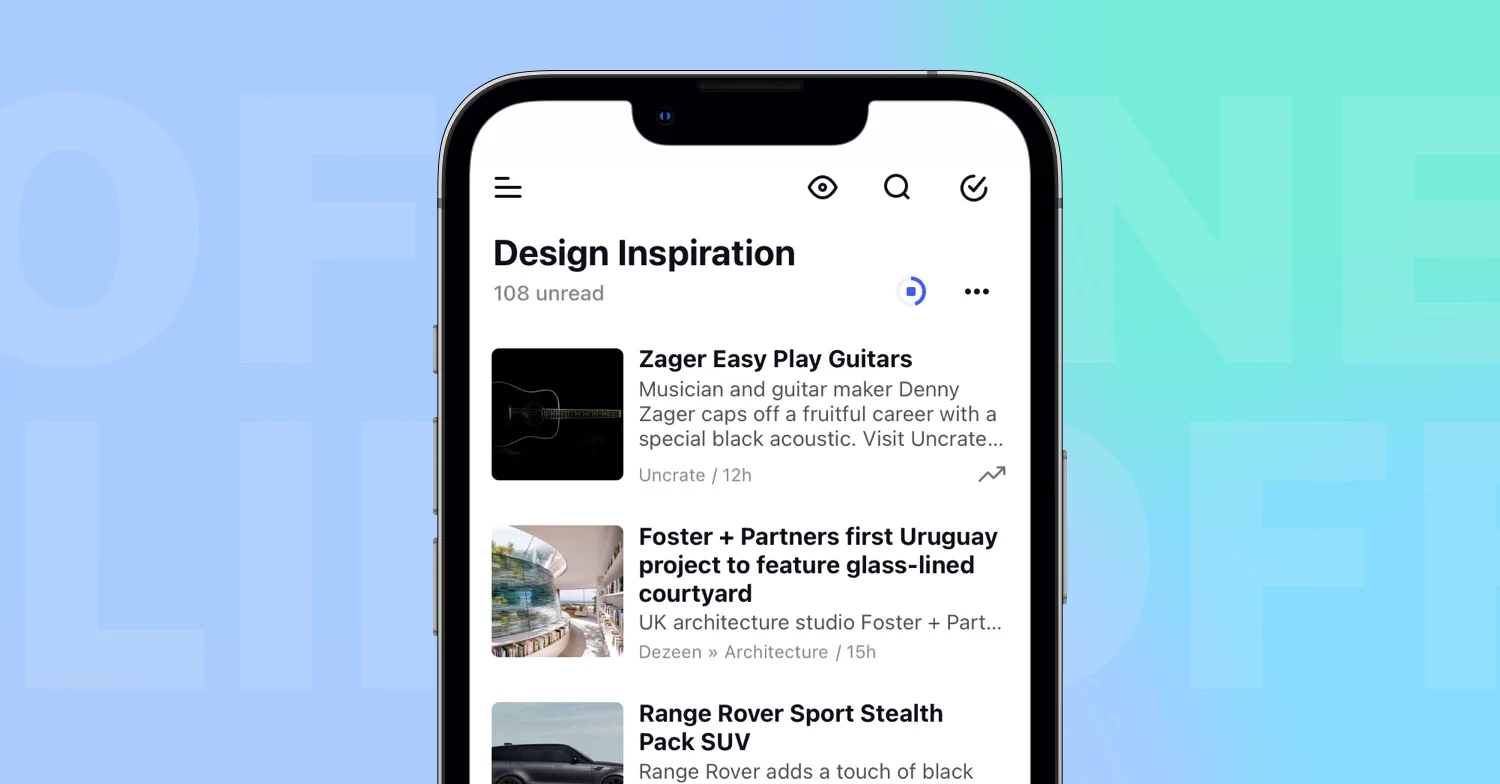
- Open the section and wait until the progress circle on the offline icon finishes. The articles then carry the offline icon.
By default the download takes unread articles only, keeps 100 of them, includes pictures, leaves the full content out and waits for Wi-Fi, so each missing piece points at one of the switches. On iOS, read articles are also removed from the phone at the next sync while that switch is on. What can I make available offline? lists the options in full.
Check that the download finished
Opening a section while online refreshes its download, and the icon at the top of the list shows a progress circle until it's done. Offline folders and tags are also refreshed in the background, while offline feeds, Annotations and Saved web pages are refreshed when you open them, so open those once before you leave the network.
A section that isn't offline shows "There is no internet connection" and "To update your article list, you need to be online." until the connection is back.
Check your plan
Offline mode is a Pro feature. When a Pro plan ends, offline sections stop working and the app says "Your Pro plan has expired. The current section is now only available online. Renew your Pro plan for offline access."
What you read and tag while offline reaches your account later, as Do offline changes sync automatically later? explains, and Offline mode is included in Pro and higher plans.
Can't find an answer? Contact support