How do I set up a passkey?
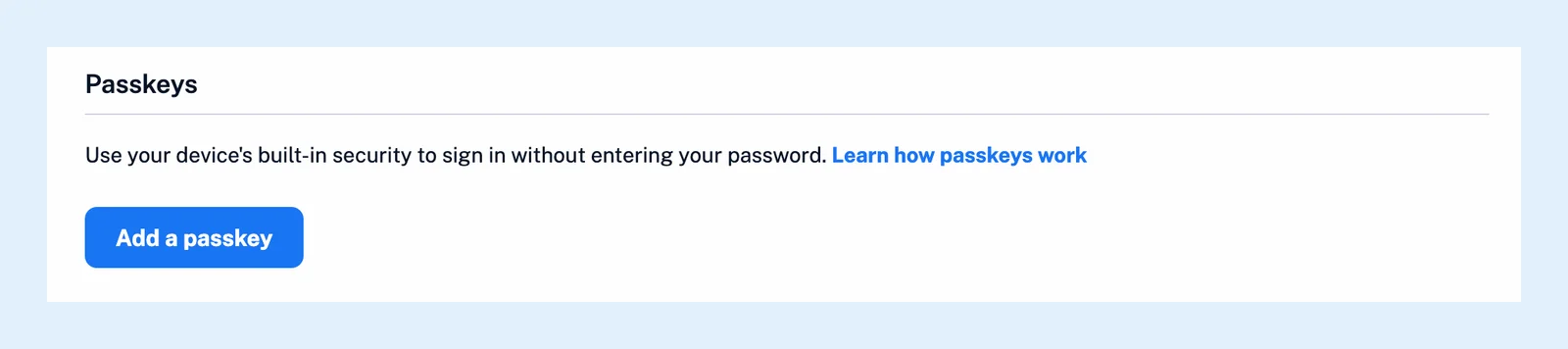
In the web app, open Preferences > Account, scroll to Passkeys on the Profile tab and click Add a passkey. Your browser asks you to confirm with your fingerprint, your face, your device PIN or a security key, and from then on the sign-in page offers Sign in with a passkey.
Add a passkey
- Click Preferences at the bottom of the tab bar, or press Alt + P, and open Account, where you also manage your account settings.
- On the Profile tab, scroll down to Passkeys and click Add a passkey.
- Follow your browser's prompt and confirm with your fingerprint, your face, your device PIN or a security key, or let your password manager store the passkey.
- Find the new passkey in the list, named for example "Passkey on Chrome for Mac" with the date it was added, and click Rename to call it something you'll recognize, such as the device it lives on.
Sign in with it
On the sign-in page, click Sign in with a passkey and confirm on your device. There's no email address or password to type. After you add or use a passkey, the sign-in page remembers your account and shows the passkey button first, with Use a different account and Other sign-in methods underneath. The button appears only in browsers that support passkeys.
Keep your password
A passkey is an extra way in, not a replacement: your password, single sign-on and the other sign-in methods keep working, and a forgotten password is still reset by email (see why the reset email may not arrive). A passkey is stored on the device or in the password manager that created it, so add one on each device you sign in from.
Remove a passkey
Click Delete next to a passkey to remove it from your account, then delete it from your device or password manager too, so it doesn't offer itself at the next sign-in.
Plans and devices
Passkeys are available on every plan. When your device has no built-in passkey support, Inoreader says so under the button and you can still add a security key.
A day after you sign up, Inoreader also offers to add a passkey once at sign-in. Choose Not now if you'd rather do it later from Preferences.
Can't find an answer? Contact support