Where are summaries stored?
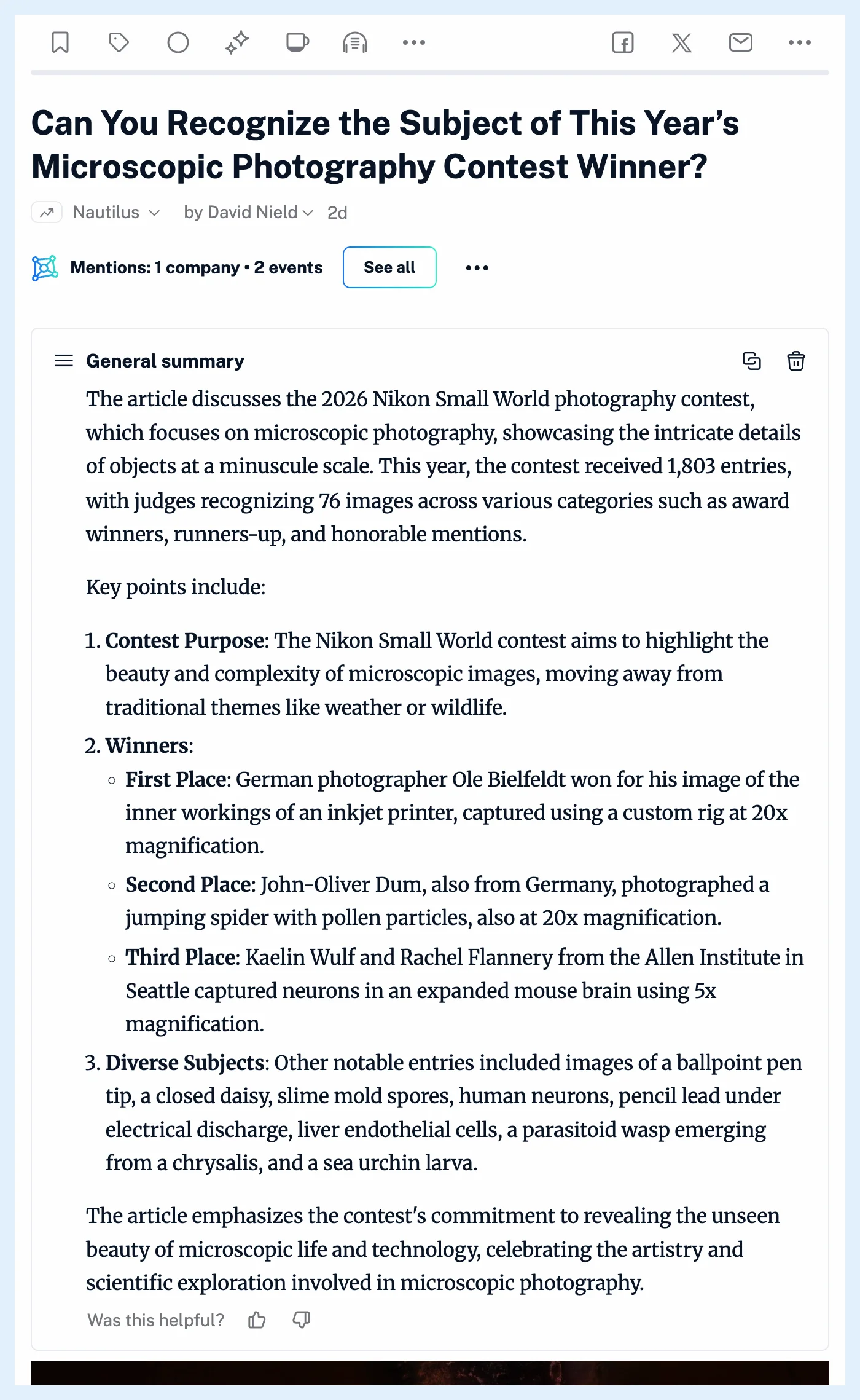
Summaries are saved with the article in your account. Whenever you open the article again, they appear in cards above its text, and in article lists an icon next to the title shows the latest one on hover.
Summaries live inside their article rather than in a section of their own, and a search in your account also matches the words of your summaries. They stay until you delete them, and only you see them.
Find a summary again
Open the article and its summaries load above the text, newest first. In article lists, an article with a summary gets a summary icon next to its title, and hovering it shows the latest summary. The summary text is added to your personal search index, so searching your account finds the article by a word that appears only in its summary. How do I search for articles in Inoreader? explains the search.
Summaries made by a rule with the action Create summary are stored and shown the same way, and so are summaries of YouTube videos and podcast episodes.
Who sees them
Summaries are private. They're stored for your account alone and never shared with your team, even on a Team plan. When a publisher refuses AI features on its content, existing summaries of its articles are hidden rather than deleted.
Delete a summary
Each card has Copy to clipboard and Delete summary, which asks you to confirm. Summaries are also removed when you delete a saved web page that holds them and when you delete your account. Deleting a saved prompt keeps the summaries made with it.
Plans
Creating summaries is part of Pro, and the summaries you've already made stay readable on any plan. What are article summaries? describes the feature, How do I generate a summary? walks through making one, and the Intelligence feature page shows everything Pro adds.
Can't find an answer? Contact support