How does subscription renewal work?
A plan bought on the website renews automatically. On the next billing date Inoreader charges your saved payment method the same recurring amount, for another month or year. App Store and Google Play subscriptions are renewed and charged by the store.
Check the next renewal
- Click the gear at the bottom of the tab bar (Preferences) and open Billing and usage.
- On the Billing tab, read Next billing date. It shows the amount and the date, with Cancel auto-renew next to it.
- Read Active plan for the name of your plan.
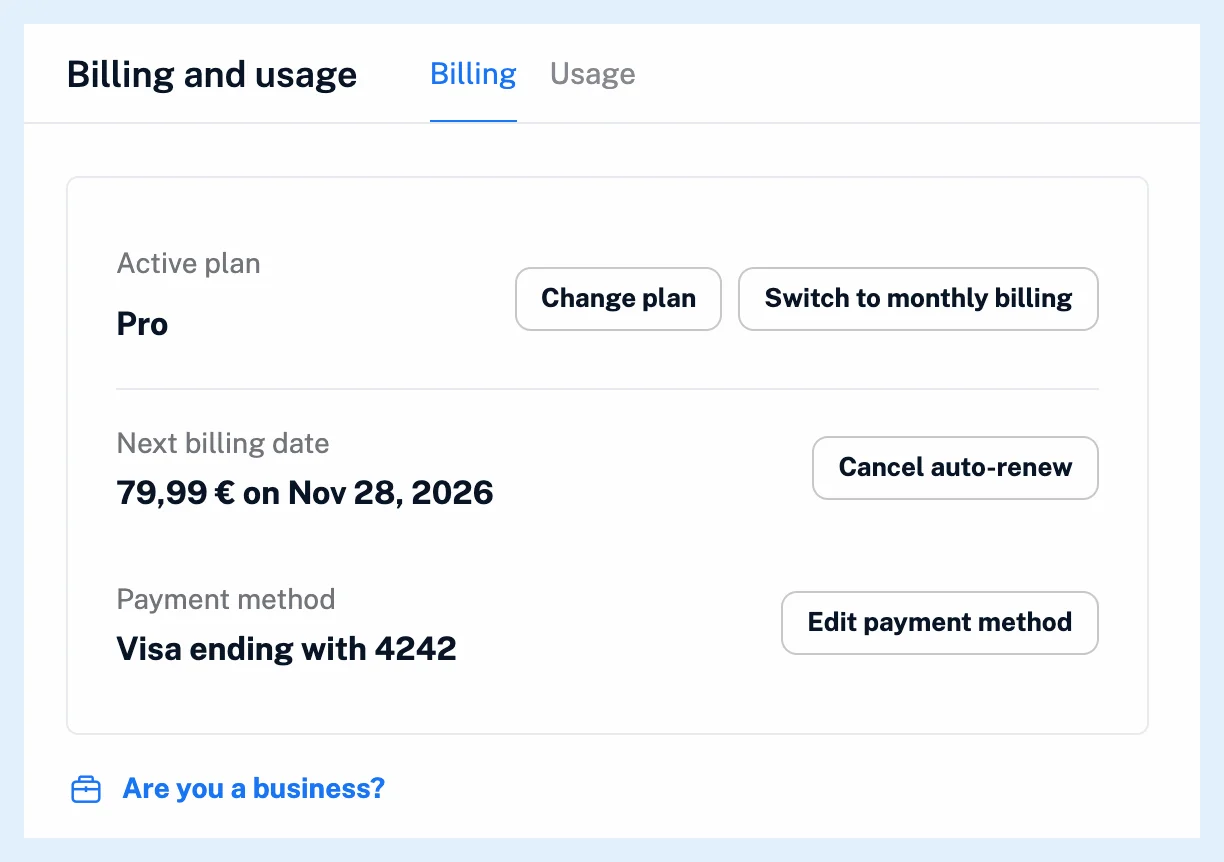
Payment history on the same tab lists every payment with its date, plan, amount, status, payment method, receipt and invoice. The next billing date moves by one month on a monthly plan and by one year on an annual plan. A discount code changes only the first payment of an annual plan, and the checkout shows the full amount the renewals charge.
Your membership renews at the same rate you signed up for, and if a price changes we tell you at least 7 days before. A renewal is charged only when the current payment period ends, never earlier.
Switch between monthly and annual billing
When a web subscription renews, the Billing tab also shows Switch to monthly billing or Switch to annual billing next to Change plan. The period you've already paid for is kept, and the confirmation names the date the new amount starts. The option isn't shown for Custom plans.
Change or stop the renewal
Access runs 8 days past the paid period while auto-renew is on, so a late renewal never cuts your features off. If a charge is declined, Inoreader tries again and keeps your plan meanwhile. To change the card or PayPal account, see how to update your payment method.
To stop the renewal, click Cancel auto-renew. The plan then shows "Expires Nov 28, 2026" with Turn on auto-renew beside it, as what happens if you cancel your subscription describes. A store subscription is managed in the store, see how to stop a subscription purchased through the App Store or Google Play.
All paid plans bought on the website renew this way, while App Store and Google Play plans renew in the store. On a Team plan the owner's subscription renews, and members see no renewal date.
Can't find an answer? Contact support